Lazygit
Arguably the most popular version control system is Git. Many developers use the command-line version alongside a Git plugin in their favorite IDE. Now those work just fine, but did you know there is also a very nice TUI (Text-based User Interface, alternately Terminal User Interface) for Git called Lazygit. It is a very cool tool. Read on for more information.
How to Start and Install
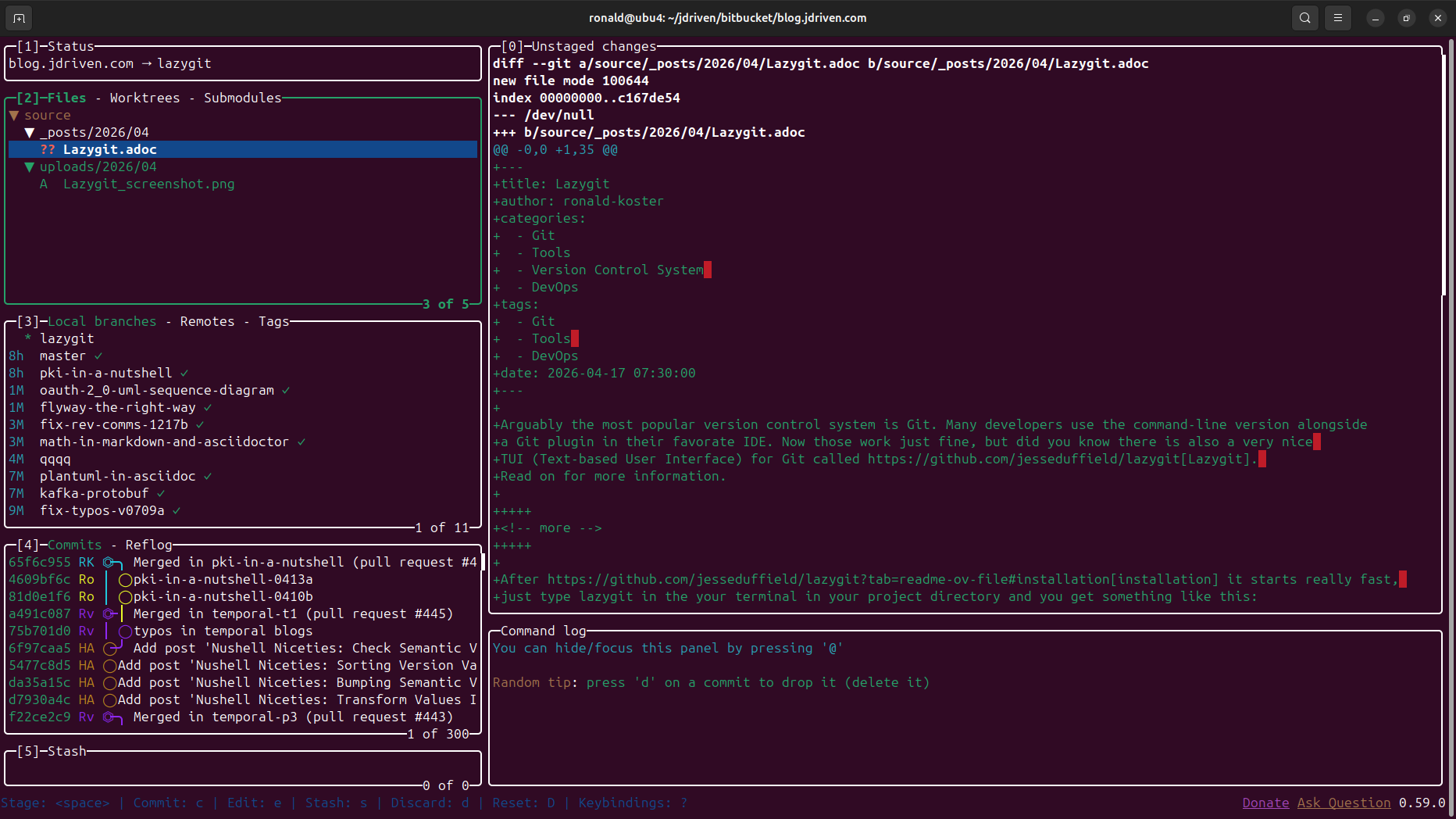
After installation it starts really fast,
just type lazygit in the your terminal in your project directory and you get something like this:
Usage
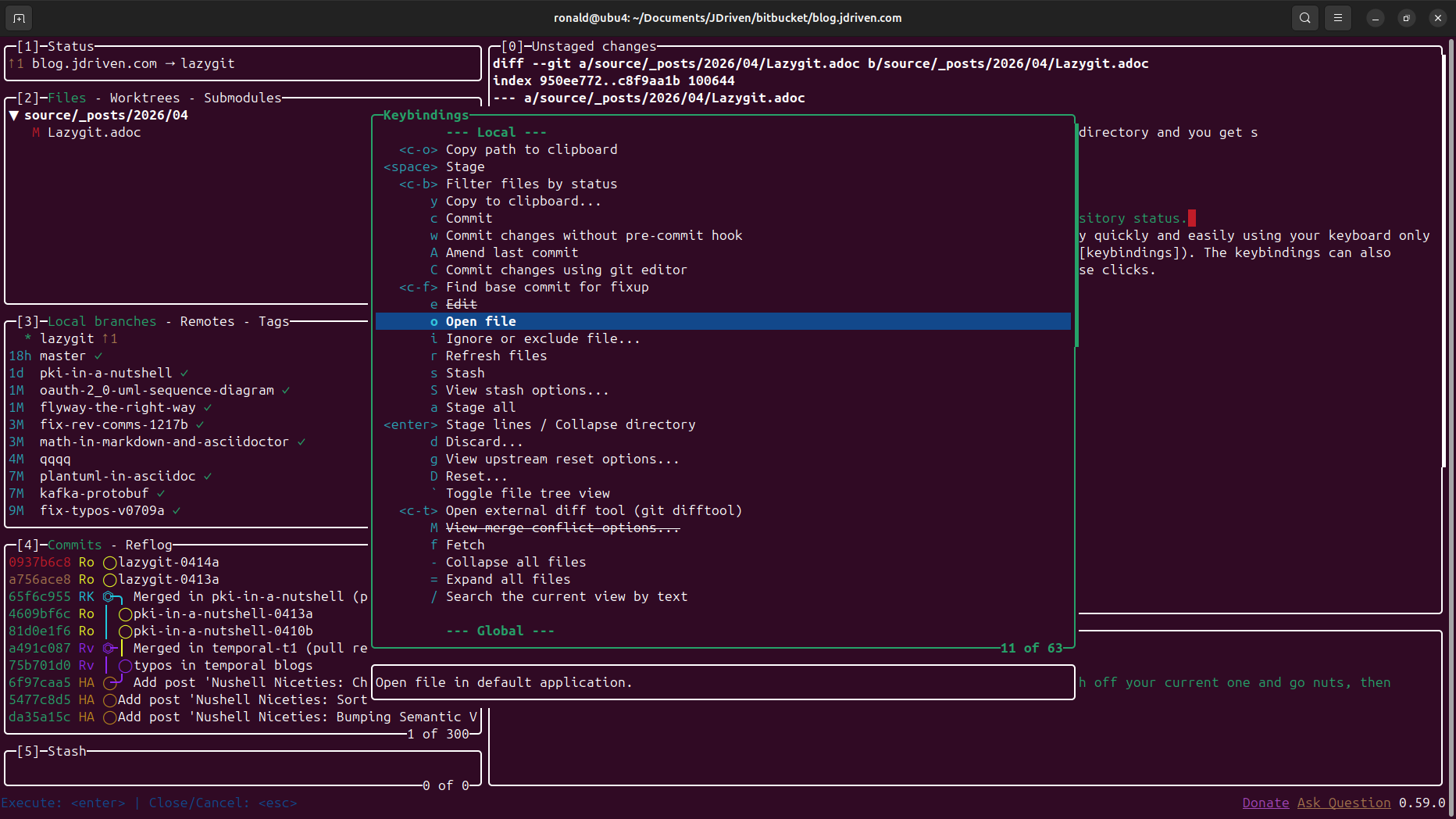
As you can see it gives a very nice overview of your Git workflow and repository status. And as with any TUI navigating and executing commands can be done extremely quickly and easily using your keyboard only (see keybindings). The keybindings can also be popped up with the '?' key. On top of that Lazygit also responds to your mouse.
Conclusion
All in all, it is a very handy tool and a great addition to Git on the command-line and your IDE Git plugin.
